3 Ways to Access Approved Files
Tab{.tabset}
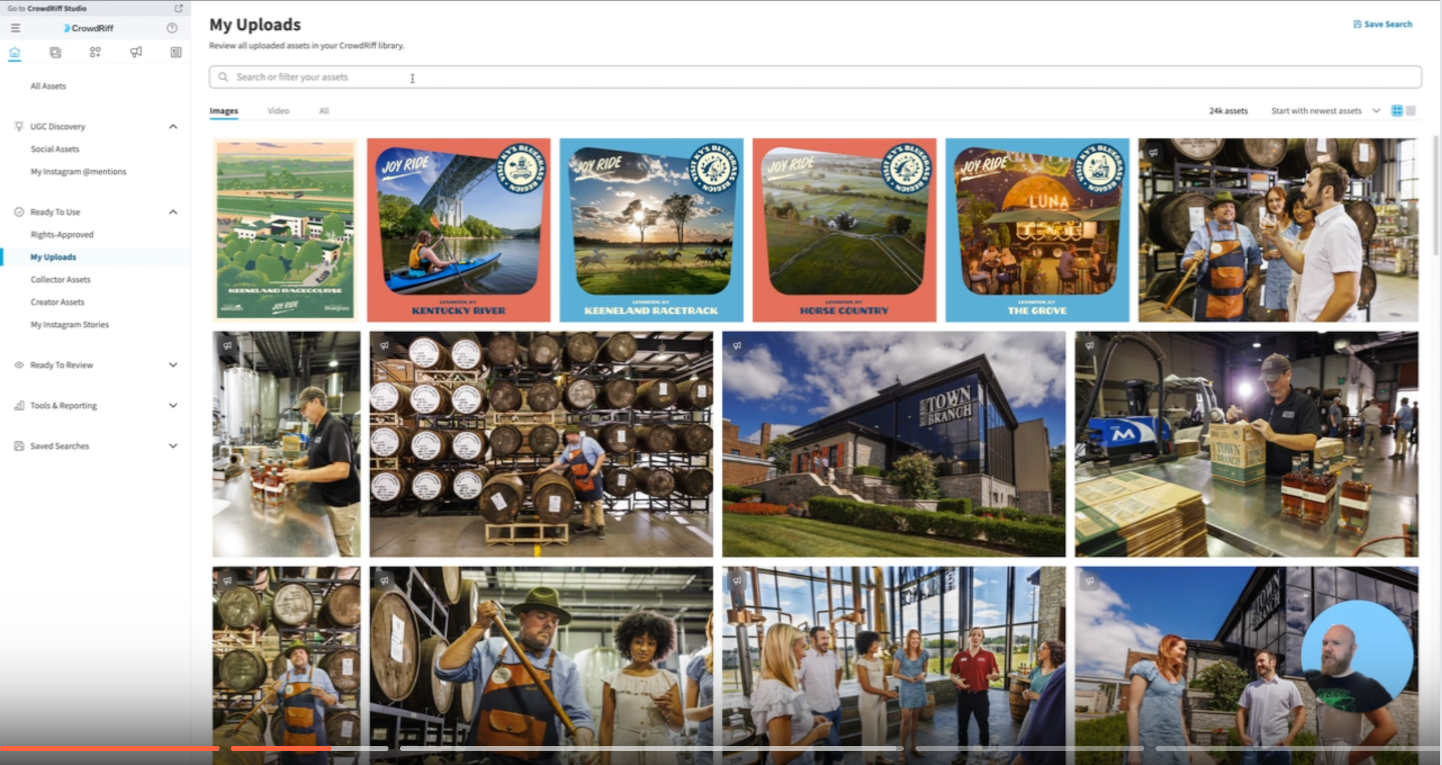
Ready to Use
Steps:
- Navigate to “Ready To Use”
- Select “My Uploads”
- Then search the client/event
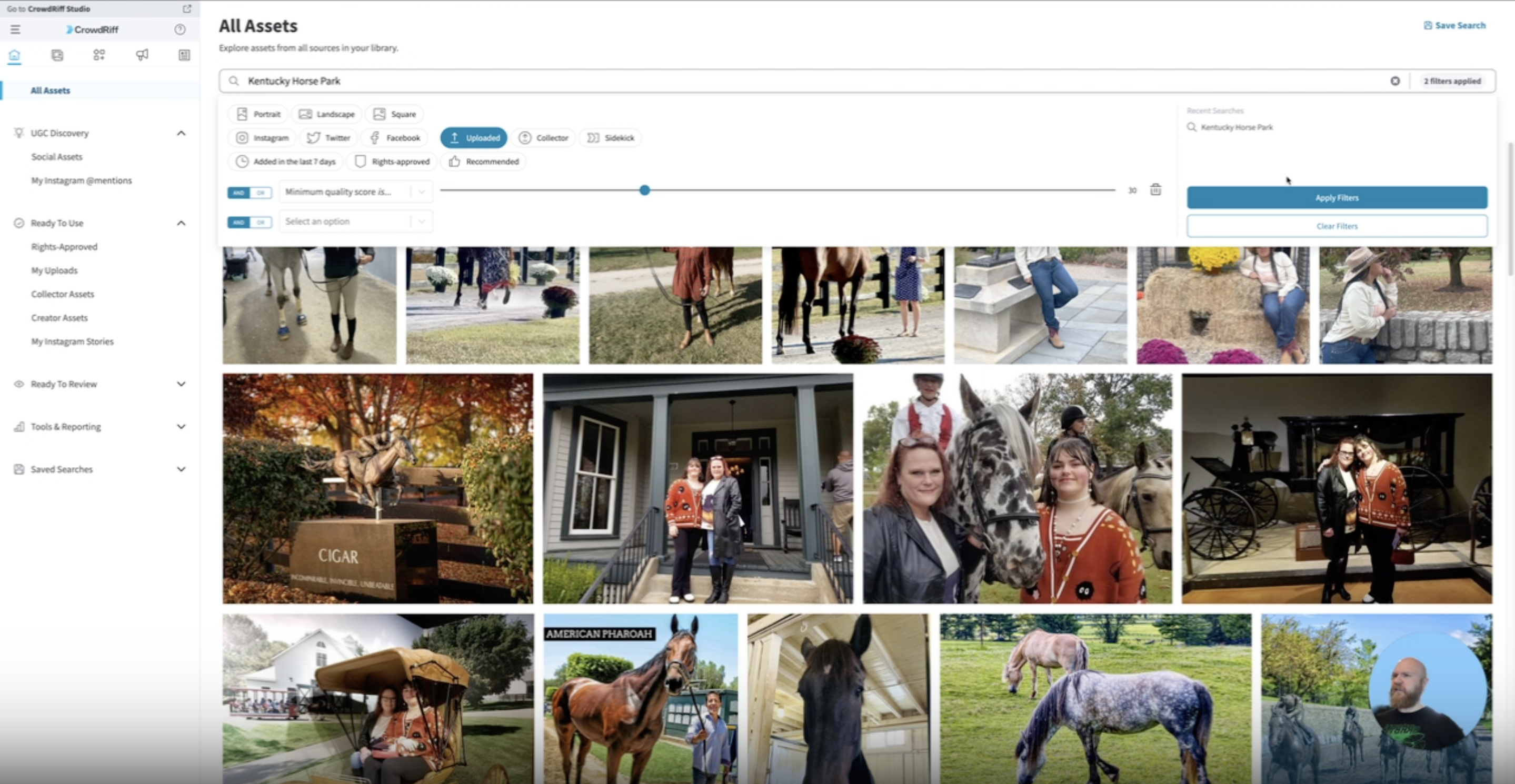
All Assets
Steps:
- Navigate to All assets in the left tool bar
- Search client/event
- Make sure “Uploaded” is selected
Albums
Steps:
- Navigate to “Albums”
- From there there’s 2 ways to get approved files
- View Media Hub
- My Visuals