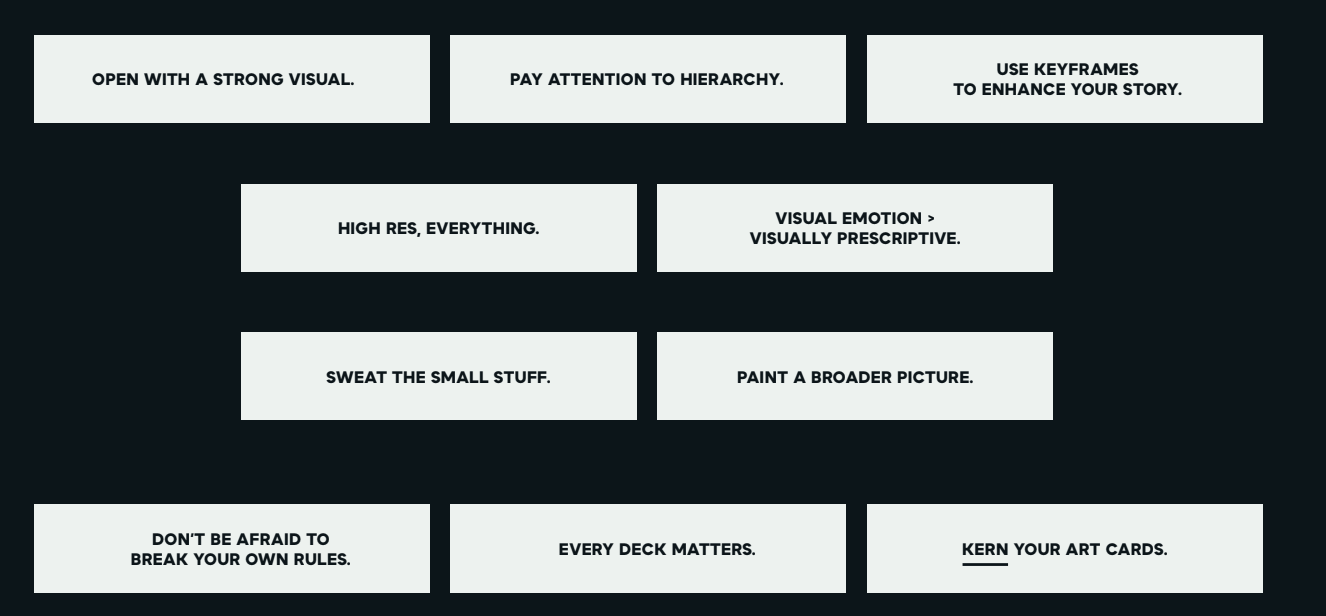
Often times, prior to presenting a deck either to a client or internally, we make a pass over the deck to reinforce it with Cornett’s branding. Linked above is a view only deck that contains slides that serve as templates for any future decks you may need to spruce up. I recommend making a copy/bookmark of it. This is by no means a Cornett brand guide, it is instead a general brief on how to spice these presentations up, Cornett style!
- Keep line spacing consistent
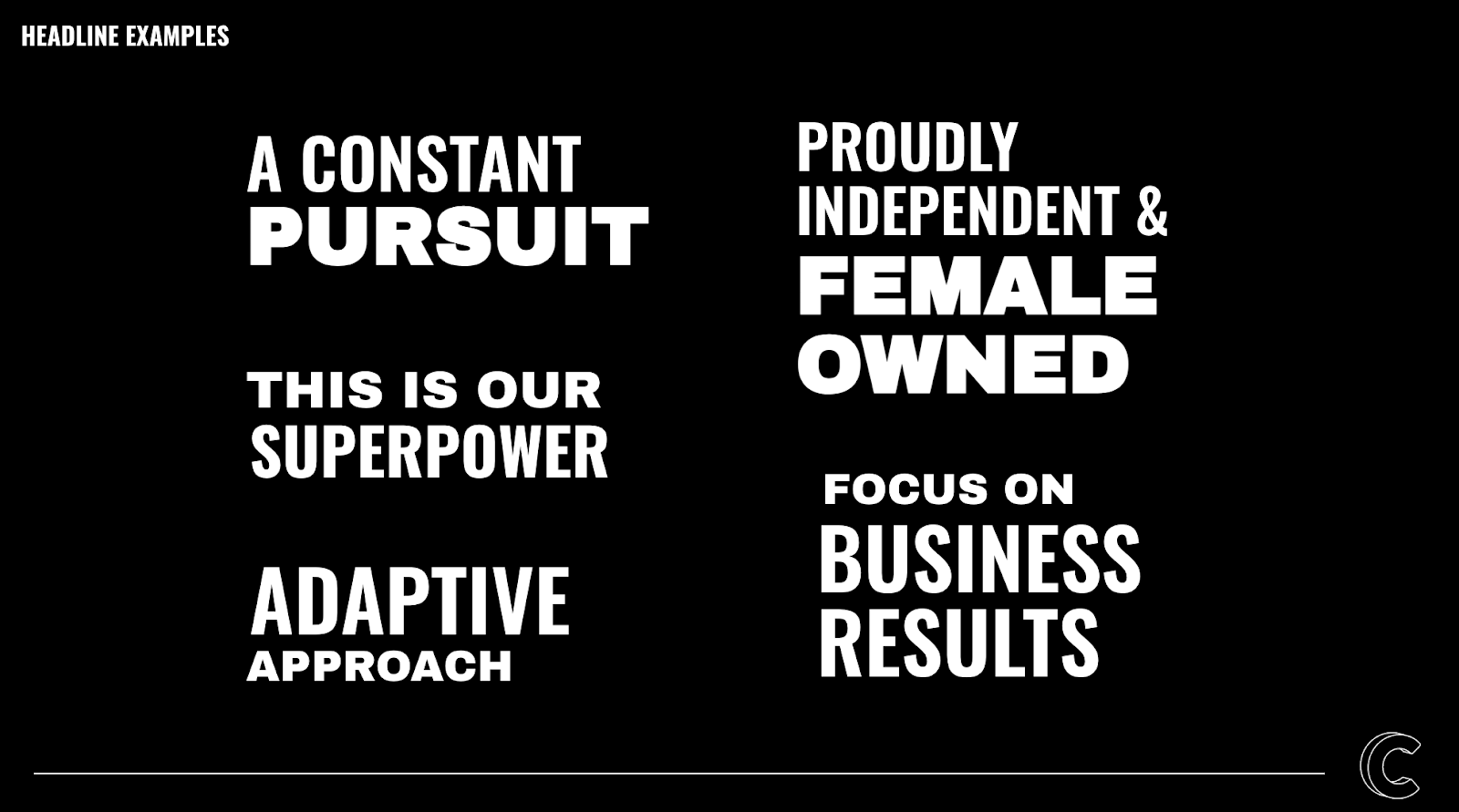
- Only use 2 font variations at one time
- Use primarily for divider slide headers 
- If a deck is just being presented internally, the top logo is unnecessary. Otherwise, you probably wanna keep it!
- There are many layouts in the Cornett slide layout link above, use these as bases for your own layouts!
- Slides that are very information heavy can benefit from a smaller header, utilizing the title format in the template deck. Like this! 
- Sometimes with really long titles, you can break it up between the top and bottom headline, reserving the bottom headline for the most important words of the title. Feel free to change up the colors of the main title, too! As long as they use the other colors from the deck. Speaking of colors…
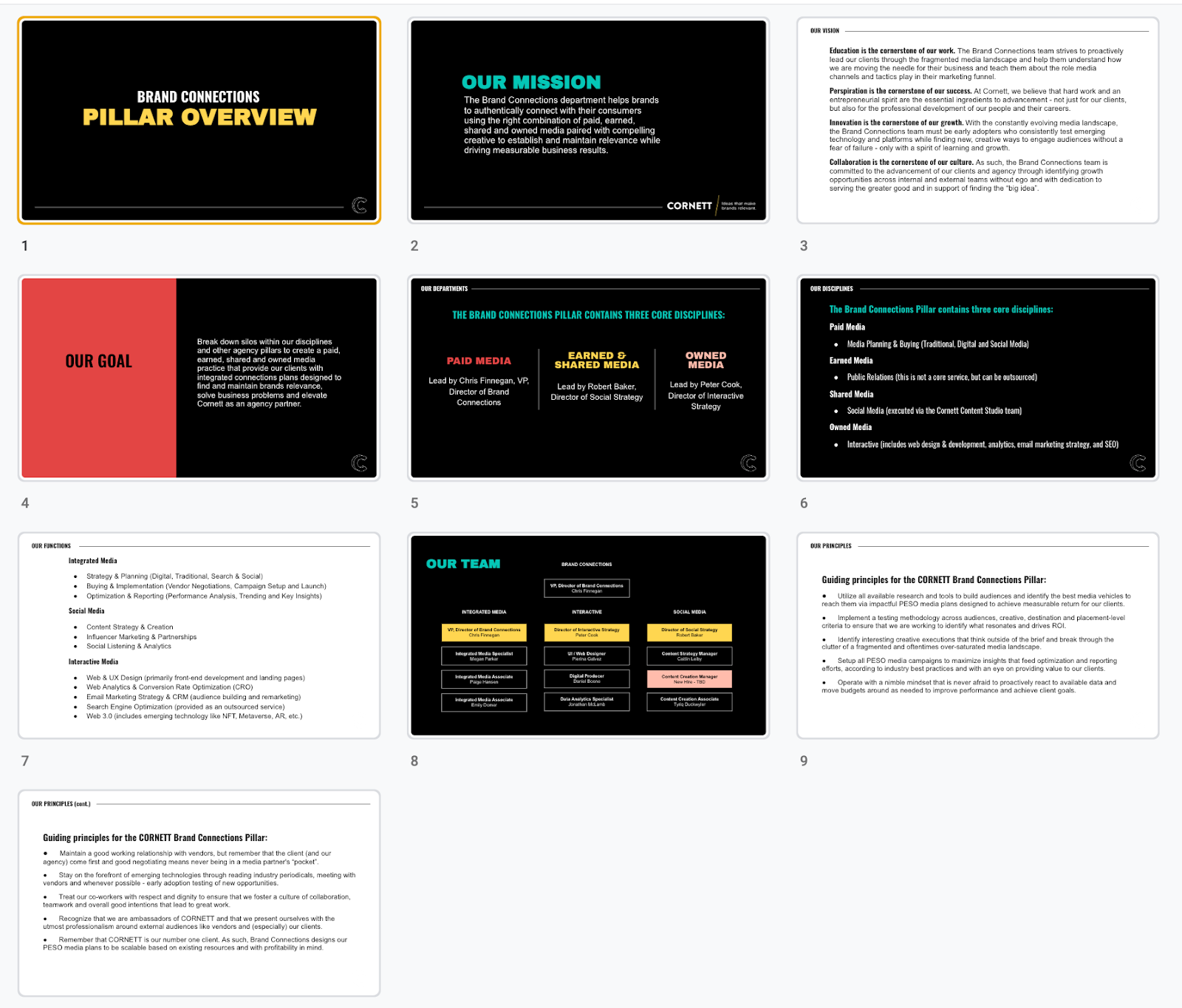
Here’s a general idea of what the colors could look like on a short deck. This deck in particular is for internal use, but usually there’s a “Thank You” slide at the end of client-facing decks.
Notice the diverse color usage in the headlines, backgrounds, and figures as well as the different layouts.

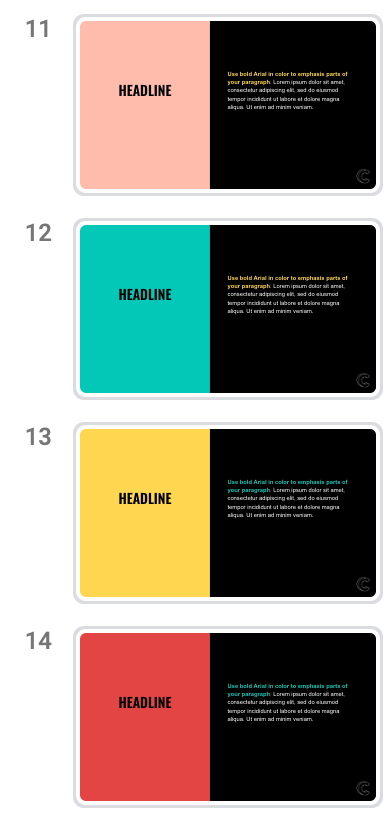
 - One thing to keep in mind while choosing your colors is that this deck will likely be projected to the size of a wall. This is especially important to keep in mind when choosing your background colors. Try to avoid entirely black and entirely white decks. Slides that use the colors shown above as the background should not be used for general purposes, but instead as colorful emphasis points when needed. Flip flop a bit, when it makes sense. I usually reserve white slides for slides that require a lot of copy with no images but… you do you.