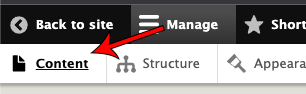
Make sure you're logged in and click ‘Content’ in the top bar
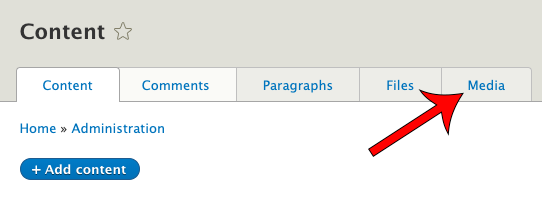
Click the media tab
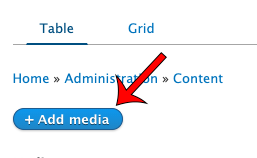
Click ‘Add Media’
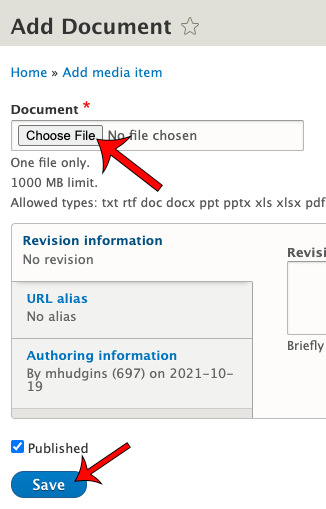
Select ‘Document’, Upload the document in the document field and then click save.
Updating Post Times PDF link in menu
Upload the PDF (See Instructions Above)
Visit the Media Tab on the content Page ( https://lanesend.com/admin/content/media )
Find the PDF you uploaded earlier and click ‘edit’
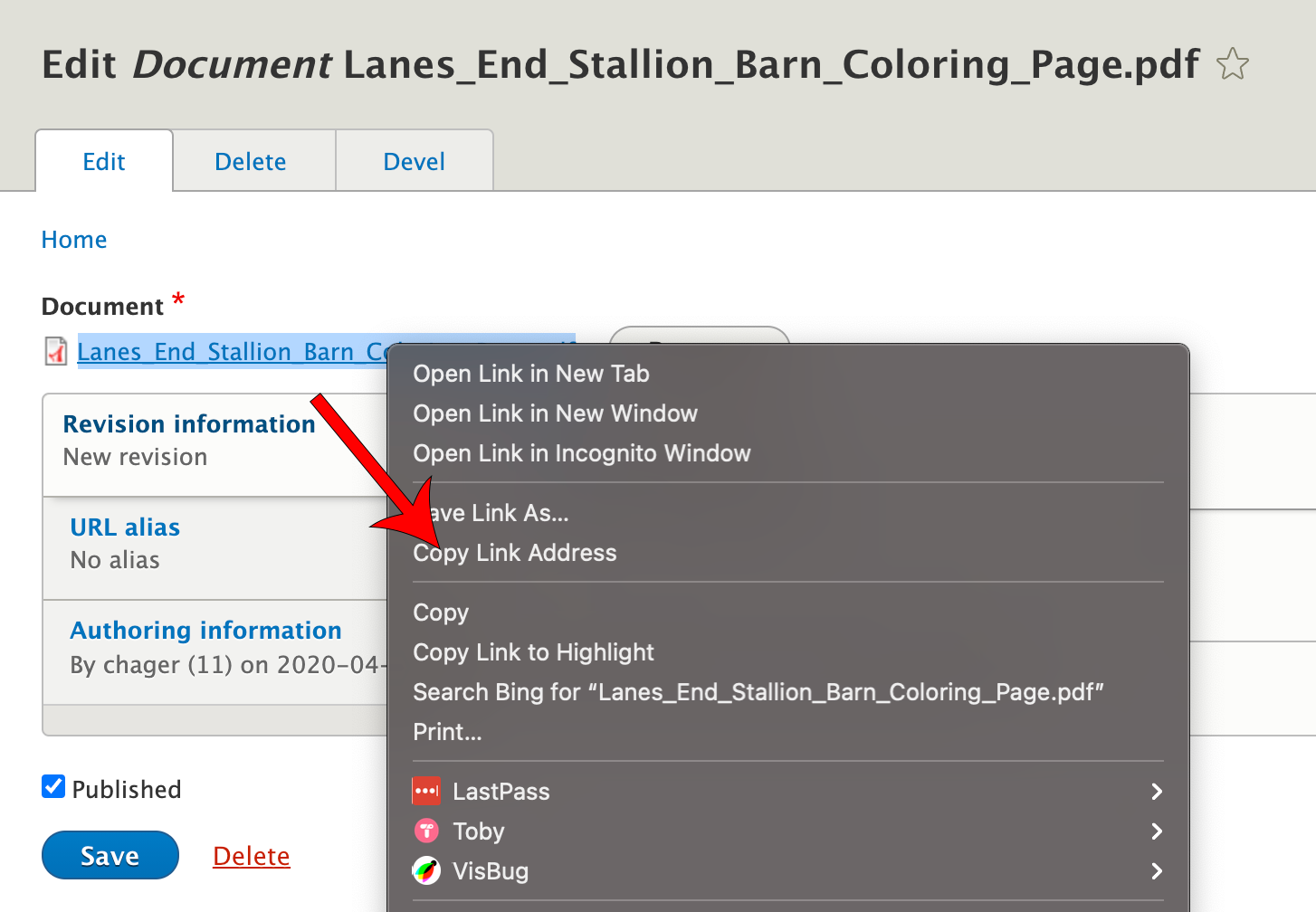
Right click on the file name and click ‘Copy Link Address’
Go to Structure→Menus→Secondary Main Nav→Edit Menu
Click Edit next to ‘The Post Times’
In the Link field paste the url you copied earlier and then click save
Adding Post Times Edition for Edition Field in Post Times articles
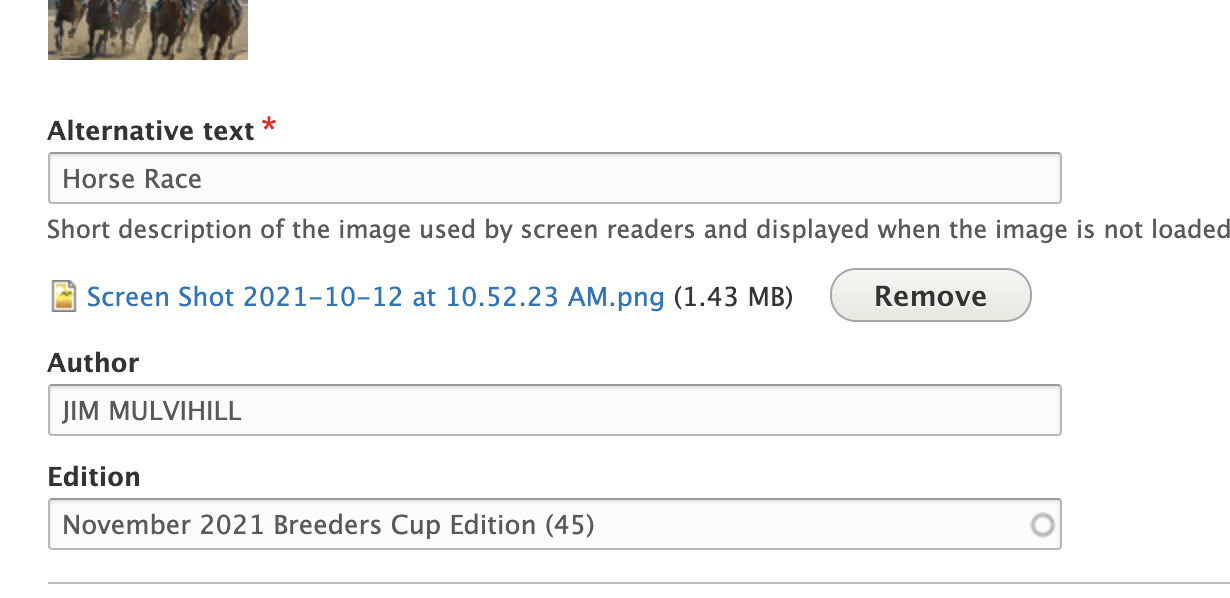
When adding or editing a post times article there is an edition field. If the edition was already created it should autocomplete if you start typing the name of the article
If the edition does not exist go to Structure→Taxonomy and click ‘List Terms’ next to ‘Post Times Editions’
Click ‘Add term’
Name the edition and set the url to the pdf in the ‘PDF Link’ field. See ‘Adding Post Times PDF link in menu’ for instructions on how to get the url.
Now it will appear in the autocomplete when making new Post Times articles.