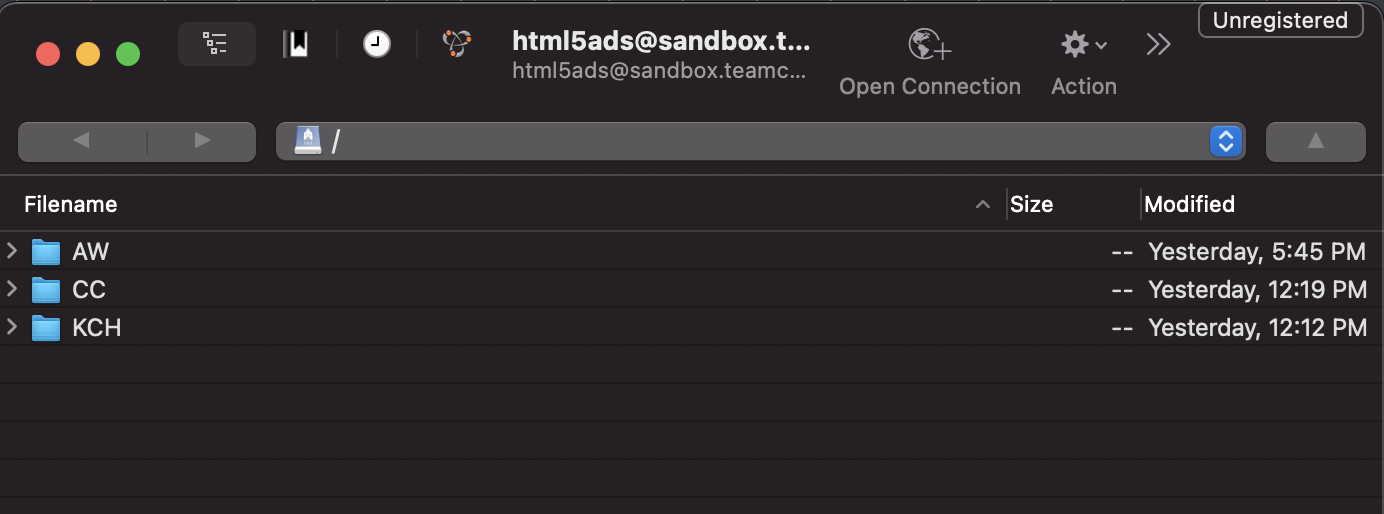
Connect to sandbox.teamcornett.com with the user html5ads. Password is in Keeper under HTML5 Ads Repository. You can use the file below if you want to automatically configure cyberduck for it.
/html5ads@sandbox.teamcornett.com_(1).duck
This will bring you to a folder where you can upload your ads
Top level is currently divided by clients but technically no naming scheme is enforced.
The URL to the ads is formatted like this
https://clients.sandbox.teamcornett.com/?p={case sensitive name of top level folder or path to a subfolder} (without the curly braces)
For example if the top level folder you want to go to is CC the url should be
https://clients.sandbox.teamcornett.com/?p=CC
https://github.com/teamcornett/html5-ad-repo